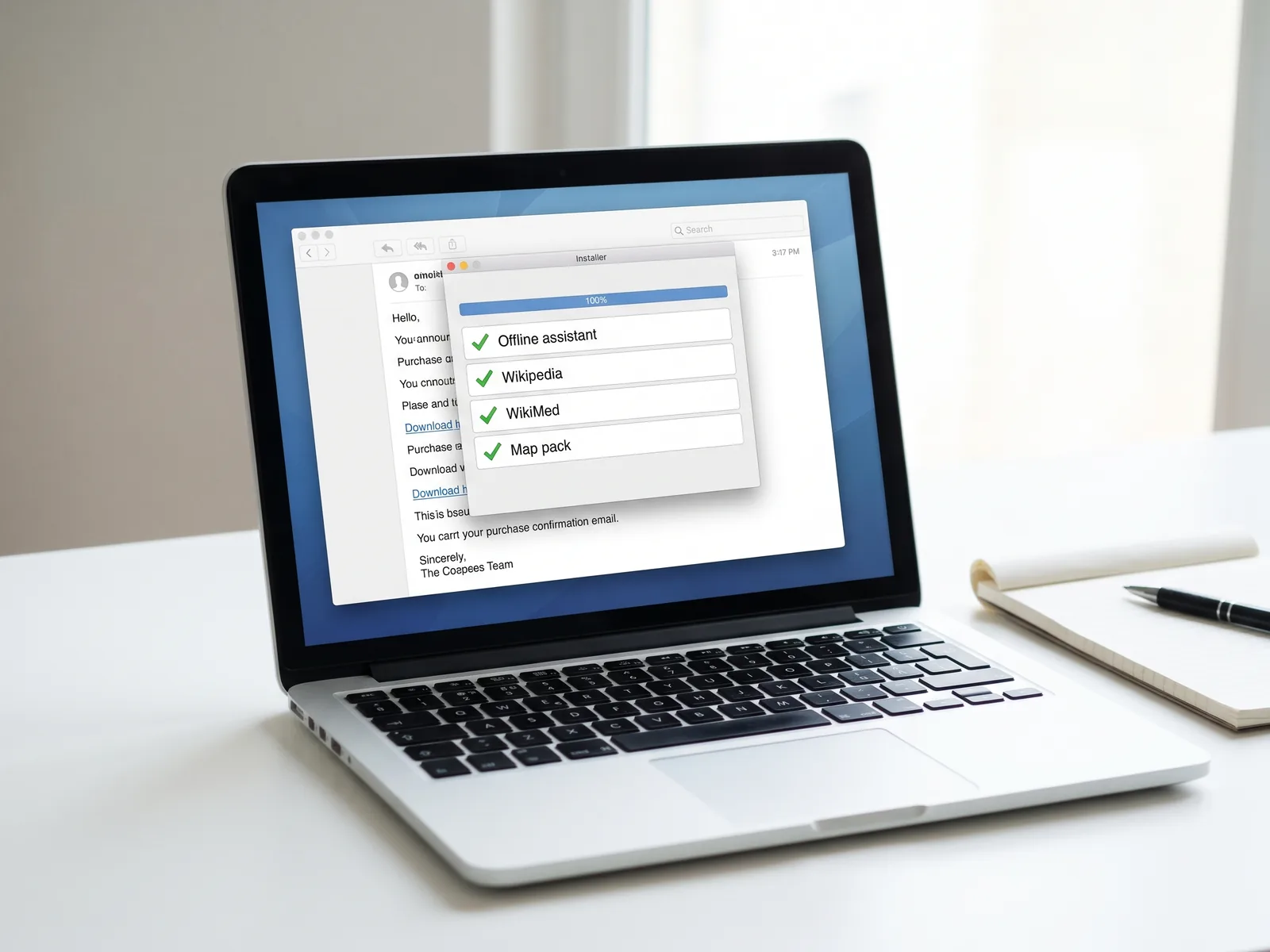
In your download email
| Offline Brain installer | Windows and Mac. Pulls the content from official sources. | App |
|---|---|---|
| Setup guide | Step by step, with screenshots. | |
| When the internet goes down | The playbook: first hour, first day, first week. | |
| Licences and credits | Every source, credited. | Text |
The installer then fetches
| Your own offline AI | A small 4B open model, from its publisher. | 2.71 GB (2.52 GiB) |
|---|---|---|
| Wikipedia, Essentials | The 1 million most-read English articles, full text, no pictures. From Kiwix's official mirrors. | 17.13 GB (16.0 GiB) |
| Wikipedia, Full | Every English article, with images. From Kiwix's official mirrors. | 127.42 GB (118.7 GiB) |
| WikiMed medical encyclopedia | From Kiwix's official mirrors. Reference reading, not medical advice: in an emergency call your local emergency number. | 1.86 GB (1.73 GiB) |
| USNZAustralian map pack | One state of your choice, from OpenStreetMap. More states can be added in the installer.All of New Zealand, from OpenStreetMap.Being added. Not in the download yet. | 0.5 to 1.5 GB (0.47 to 1.40 GiB)634 MB (605 MiB)Not yet |
| The apps that run it | Reader, AI runner and start page. | About 0.1 GB |
You install one Wikipedia, not both: Essentials or Full. GB here are decimal (1,000,000,000 bytes), the figure a Mac's Finder shows. GiB is the binary figure, which Windows File Explorer shows but labels GB. We don't re-host Wikipedia or WikiMed: each comes from the people who make it.
Offline Brain / Download
The Offline Brain
Your own copy of the answers, for the day the cloud goes quiet. A small AI, Wikipedia, WikiMed and maps that run on your laptop with the Wi-Fi off.
Prefer it on a USB, ready to plug in? Join the waitlist.
Your questions never leave your laptop, there's no account, and every answer shows the Wikipedia or WikiMed article it used. US$29 once is about six weeks of ChatGPT Plus (US$20 a month), and this one you keep.NZ$49 once is about five weeks of ChatGPT Plus (NZ$40 a month), and this one you keep.A$45 once. ChatGPT Plus is US$20 a month, and this one you keep. If the cloud never goes quiet, you still own a very good offline library, and you have 30 days to change your mind.
Your own AI and library, set up for you.
You could build this yourself. You'd choose a model that fits in 8 GB of RAM, a program to run it, the right Wikipedia file from dozens of Kiwix builds, a map format that works offline on both Windows and Mac, and a drive format that can hold one 127 GB file (FAT32 can't). We've chosen the set, and one installer puts it together in an evening.
An AI that just answers, no lecturing
Ask it how to do something and it tells you, in plain steps. It runs on your laptop, so nothing you ask leaves it.
Small on purpose. It's a 4B open model, about 2.7 GB, that runs on a laptop with 8 GB of RAM. It doesn't need a graphics card.
Weaker than cloud AI. It is less capable than ChatGPT and the other big online assistants. It can get facts wrong, sound sure when it's wrong, lose the thread in a long chat and slip on maths.
So the source sits beside it. Every answer comes with the Wikipedia or WikiMed article it used, so you can check anything that matters. Medical answers end with a line telling you to check the reference and call 111, 000 or 911.
Not instant on older laptops. On an older laptop with no graphics chip it can take about 30 seconds before the first word appears. The article shows straight away while you wait.
Three ways to get answers
One payment, against a monthly plan or against your own evenings.
Swipe the table sideways to compare.
| Compared | Offline Brain | Build it yourself | Cloud AI only |
|---|---|---|---|
| Price | US$29 once | Free, plus your time | Free, or US$20 a month for ChatGPT PlusFree, or NZ$40 a month for ChatGPT Plus |
| Works with no internet | Yes, after setup | Yes, if it works | No |
| Your questions stay on your laptop | Yes | Yes, if set up that way | No, they go to the provider |
| Your own AI, set up | Yes | Up to you | No, it's theirs |
| Map pack ready to use | Included | Find and convert | No |
| Updates | 12 months | Redo it yourself | Automatic, online only |
| Works on a phone | Wikipedia via the Kiwix app | Depends | Yes, online |
ChatGPT Plus price from OpenAI's help centre (US$20 a month) and ChatGPT's pricing page in New Zealand (NZ$40 a month), both read 1 Nov 2026.